Built for museum teams, not IT departments

Tell your story to every visitor — in every language.

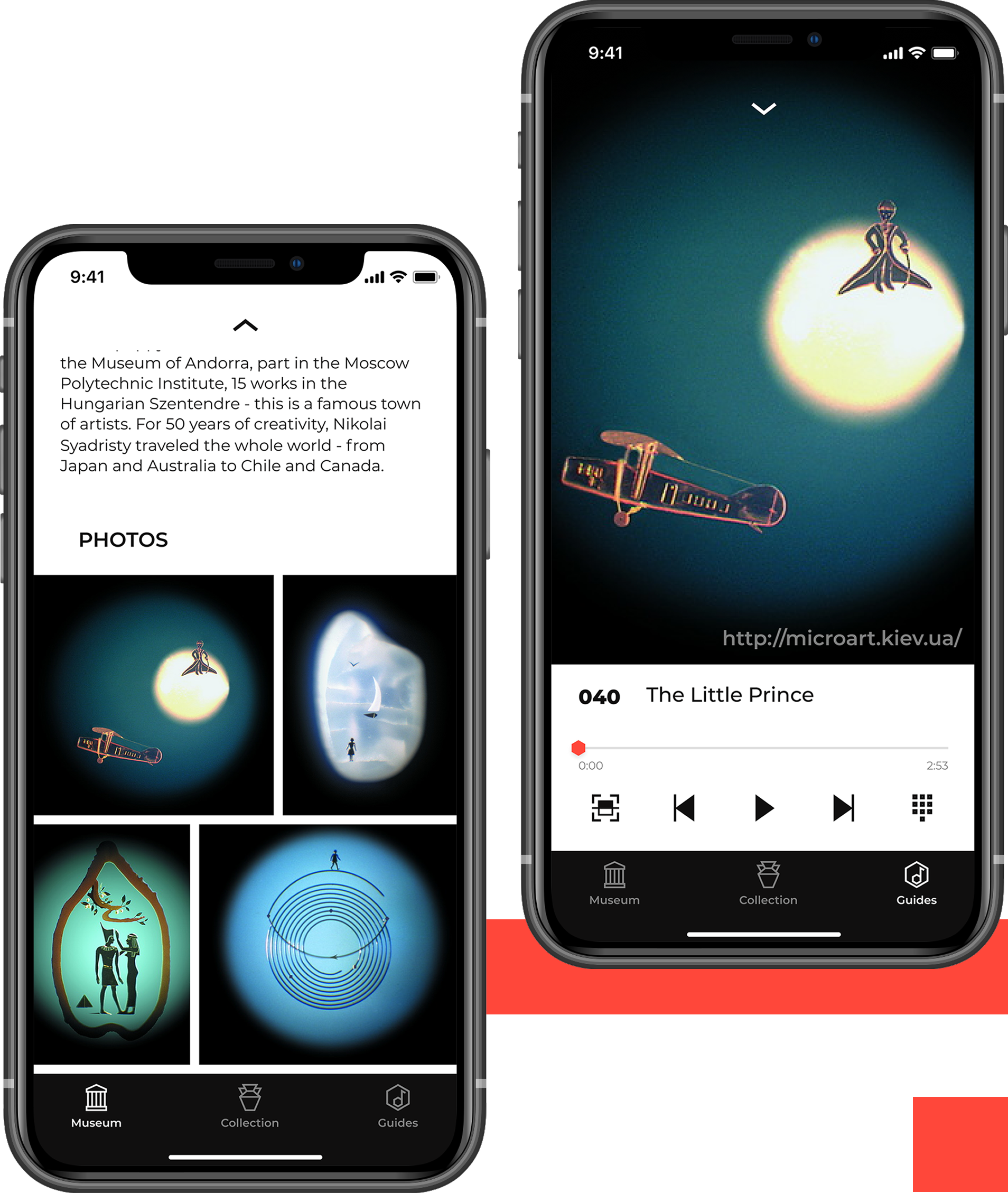
Museum Guide lets your team create, manage, and update multilingual audio guides — with interactive floor plans, QR access for every exhibit, and full analytics. No developers, no device logistics, no technical training.
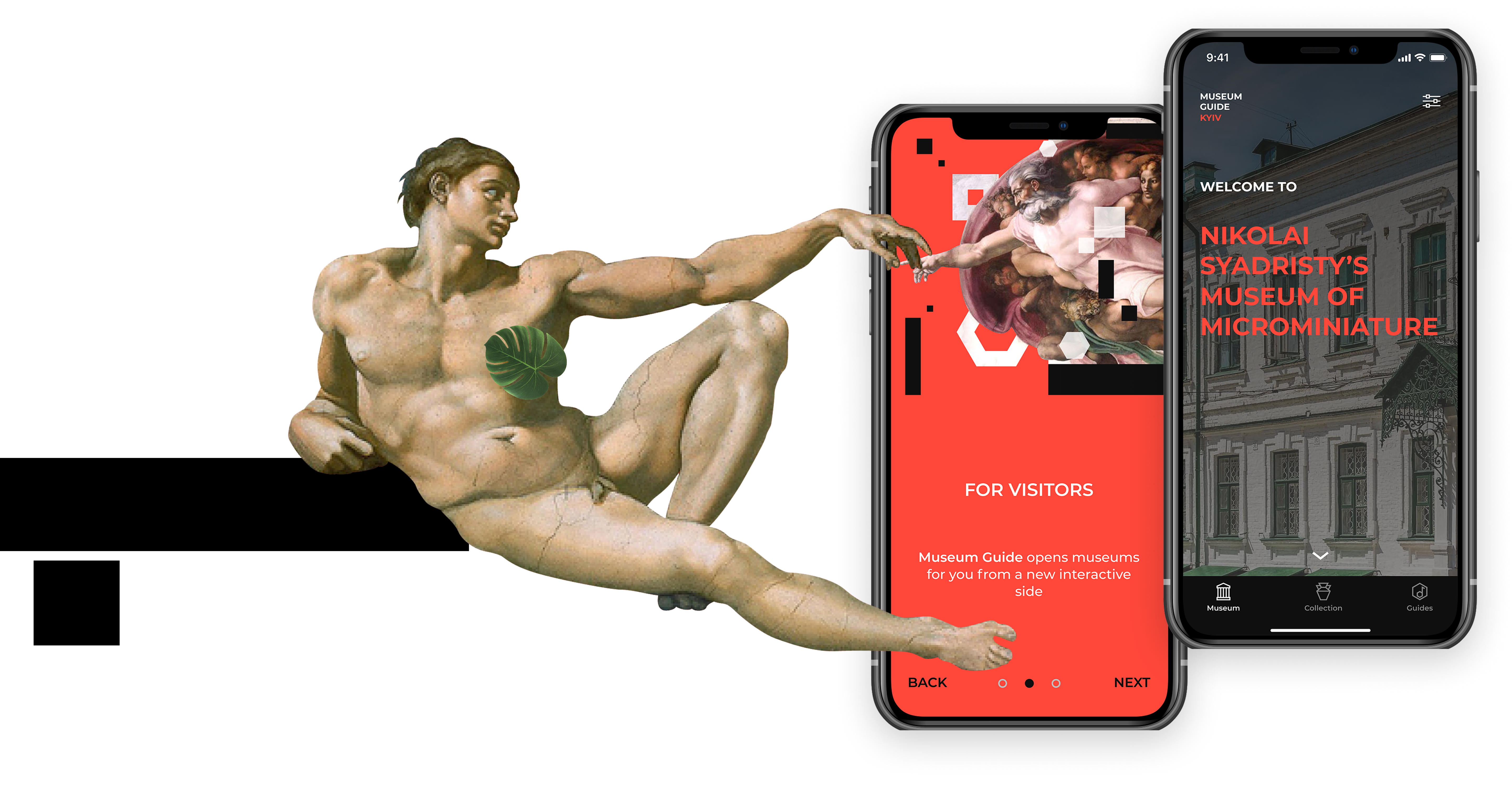
Museum guide app screens

Why Museum Guide?

Most museums have a compelling story and a dedicated team. What they don't have is a simple, flexible way to deliver that story to every visitor — in their language, with the right exhibit, at the right moment. Museum Guide fixes that. Your team manages the content. Your visitors experience it seamlessly. No developers in between.

Flash icon

Every Language, One Place

Add the languages your visitors need. Each language is a separate content layer — not a separate system. Manage everything from one admin panel.

Chart square icon

Interactive Floor Plans

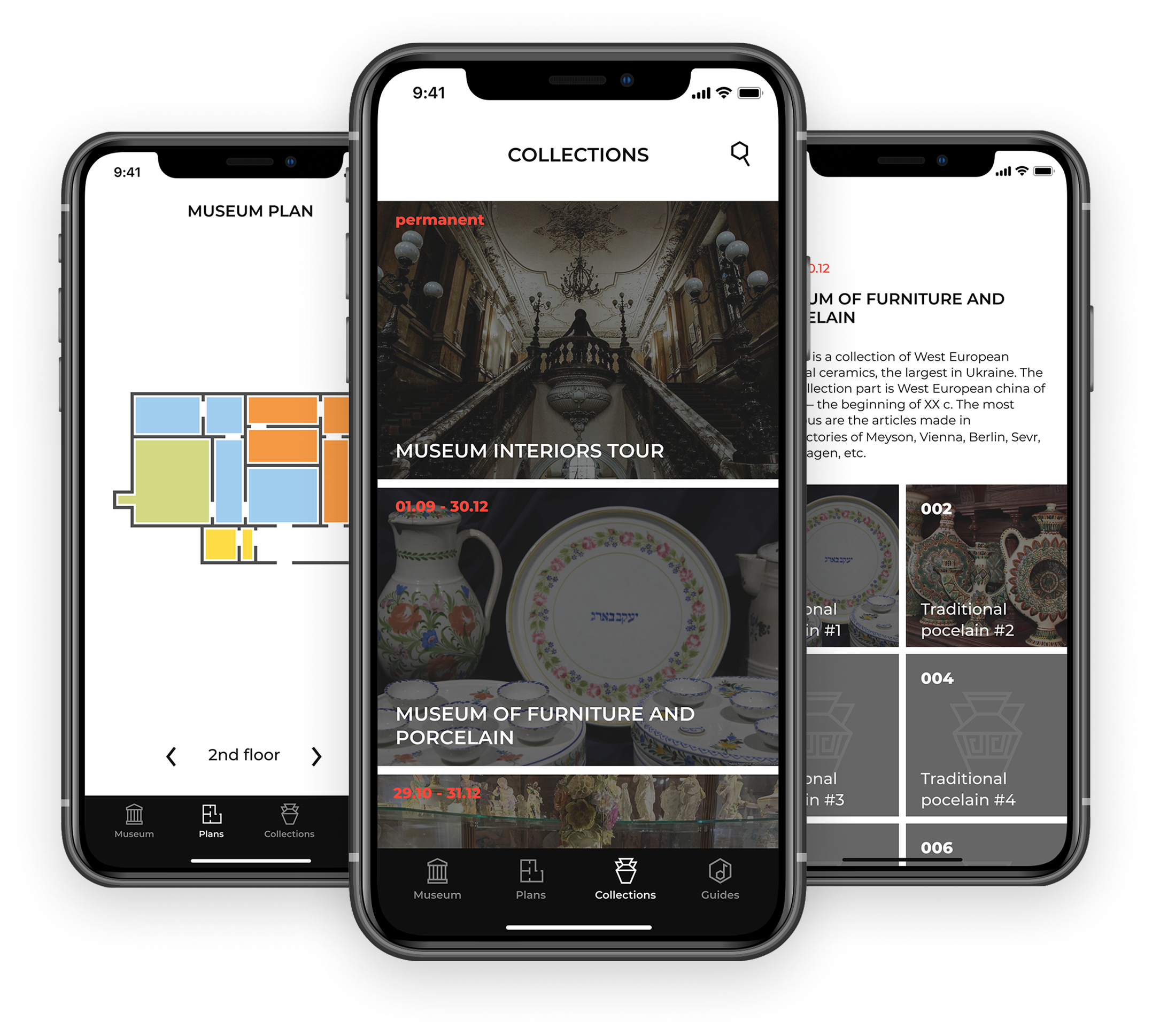
Build a visual map of your museum — rooms, halls, outdoor spaces. Place points of interest directly on the plan. Visitors navigate with confidence; your team sees exactly how the space is organized.

Chart square icon

QR Access for Every Exhibit

Place a QR code next to any exhibit. Visitors scan and get the full guide — text, image, and audio — in their language. Instantly. No friction, no queue.

Chart square icon

Update Content Anytime

Exhibition changed? Labels updated? New room added? Make edits yourself in minutes — and changes go live immediately. No waiting, no extra costs, no developer calls.

Chart square icon

Analytics That Actually Help

See which exhibitions and exhibits get the most attention. Track visits over time. Understand your audience — and use that to improve the experience and plan future exhibitions.

Chart square icon

Designed for Museum Teams

If your team can handle email, they can manage Museum Guide. Add exhibitions, upload audio, build floor plans, manage content in every language — without any technical training.

Here's how it works

1

Set Up Your Museum

Create your museum profile. Add opening hours, ticket prices, contact details, and photos. This becomes the first thing visitors see when they open the app or website.

2

Build Your Floor Plan

Create a visual map of your space — rooms, halls, and corridors. Then place points of interest directly on the plan. Each point links to a full exhibit entry with text, image, and audio.

3

Add Your Content

For each exhibit, upload text, images, and audio guides. Add as many languages as you need. Each language is a layer — not a duplicate system.

4

Share With Visitors

Generate a QR code for each exhibit. Place it next to the physical object. Visitors scan and get the full guide in their language. You can also share a link to the museum website for access without the app.

5

Update Anytime

Exhibition changed? New exhibit added? Make the change in the admin panel — it goes live immediately. No developer. No delay.

What museums are saying

"For the first time, we felt genuinely in control of our visitor content. We updated three exhibition rooms ourselves the same week we launched — something that would have taken months before."

HV

Head of Visitor Experience

Regional History Museum, Prague

"Our international visitors finally get the same depth of experience as local ones. The QR access removes all the friction we used to apologize for."

D

Director

Contemporary Art Center, Tallinn

Is Museum Guide right for you?

Museum Guide is built for small and mid-size museums in Europe with international visitors, a non-technical team, and a real need to update content without external help. If you recognize yourself here — let's talk.

You'll feel at home if:

  • Your team manages exhibitions, not code
  • You've outgrown physical audio devices — or never had them
  • International visitors are a growing part of your audience
  • You want to update content without calling a developer
  • You need one system that works across exhibitions, rooms, and languages
  • You want to understand which exhibits your visitors actually care about

Ready to give every visitor the full story?

Book a 30-minute demo and see how Museum Guide works for your institution. We'll walk through the admin panel, show you how floor plans and QR codes work, and answer any questions. No commitment, no technical preparation needed.

Book a Free Demo

Or write to us at hello@museumguide.app we respond within one business day.